How to import only starred photos into Lightroom
Unfortunately the Lightroom import function is very primitive while previous importer plugins do not work anymore. Only by chance I found a simple way to get only the starred pictures from Photo Mechanic into Lightroom.
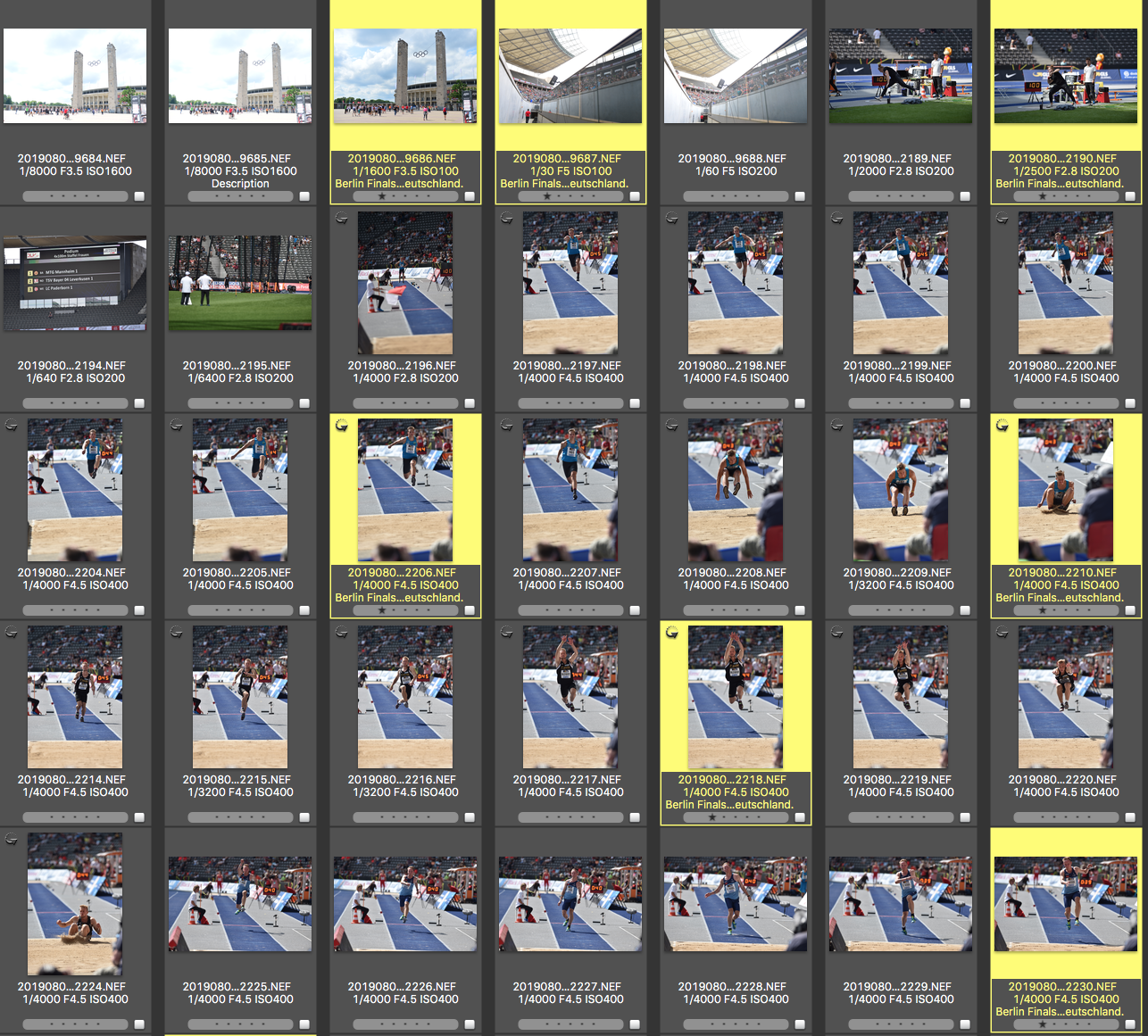
Just selected the starred pictures and hit CMD+E for editing (Lightroom needs to be preset for editing).
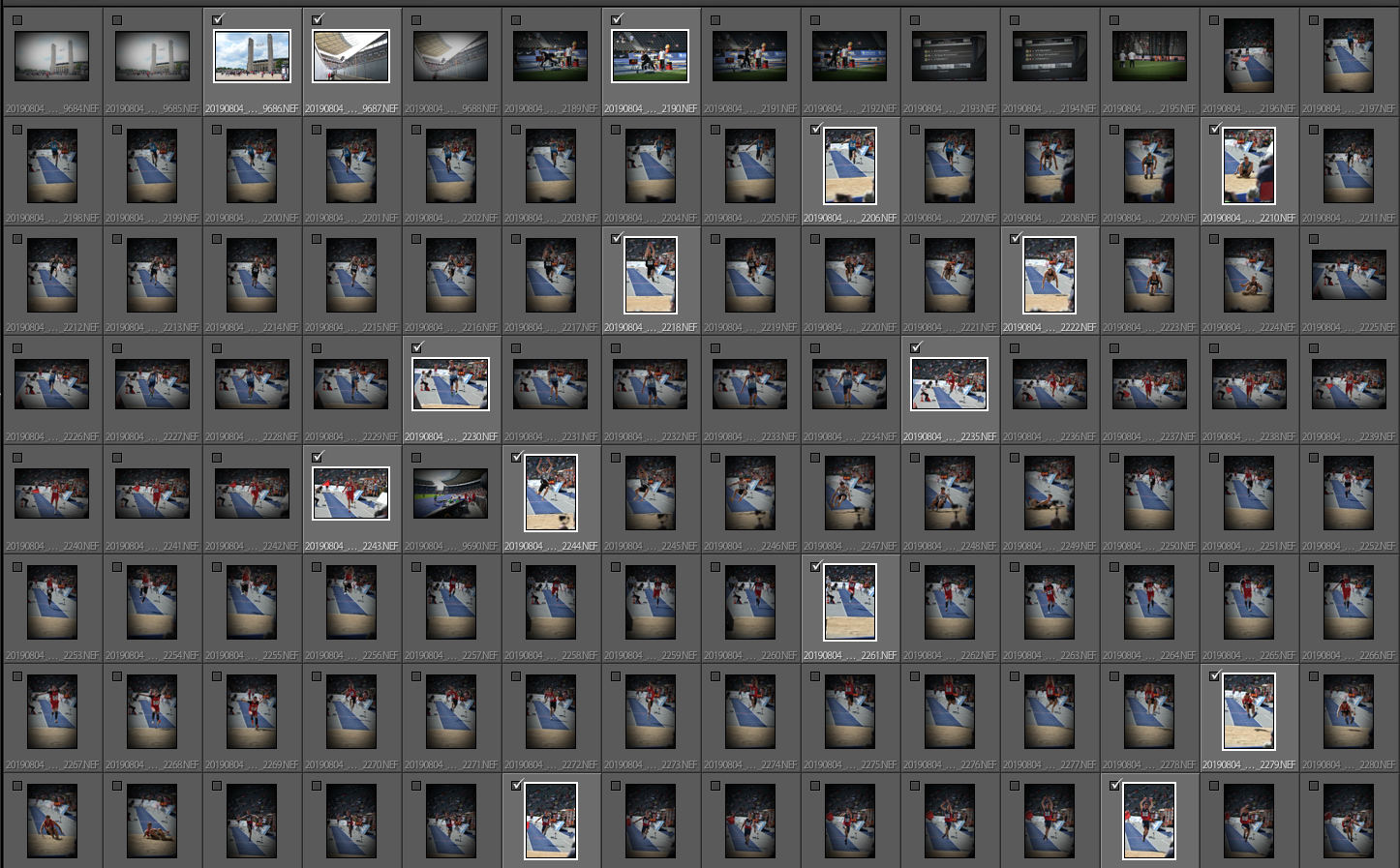
Lightroom will open with the import menu where only the starred photos are being highlighted. Whenever I have more time – I just synchronize the folder for the rest of the pictures.
Another option is shown in the video below. Just do the selections on the memory card (risky) and run a selective import onto your hard disc.