I find it handy to have a quick link in appointments to the recent correspondence. Unfortunately there is no easy way to do that.
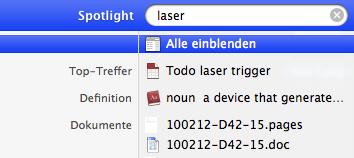
- Do a spotlight search and open all results in a finder window.
- OR: Click on “Today” in the finder’s sidebar to locate the email of interest
- Right click to create a symbolic link on the desktop: That’s the tricky part as it needs the extended right click menu that comes with OMCedit.app
- Drag and drop your new link from the desktop to the attachment field (not the URL field!) of the appointment.
CC-BY-NC Science Surf , accessed 10.06.2026